
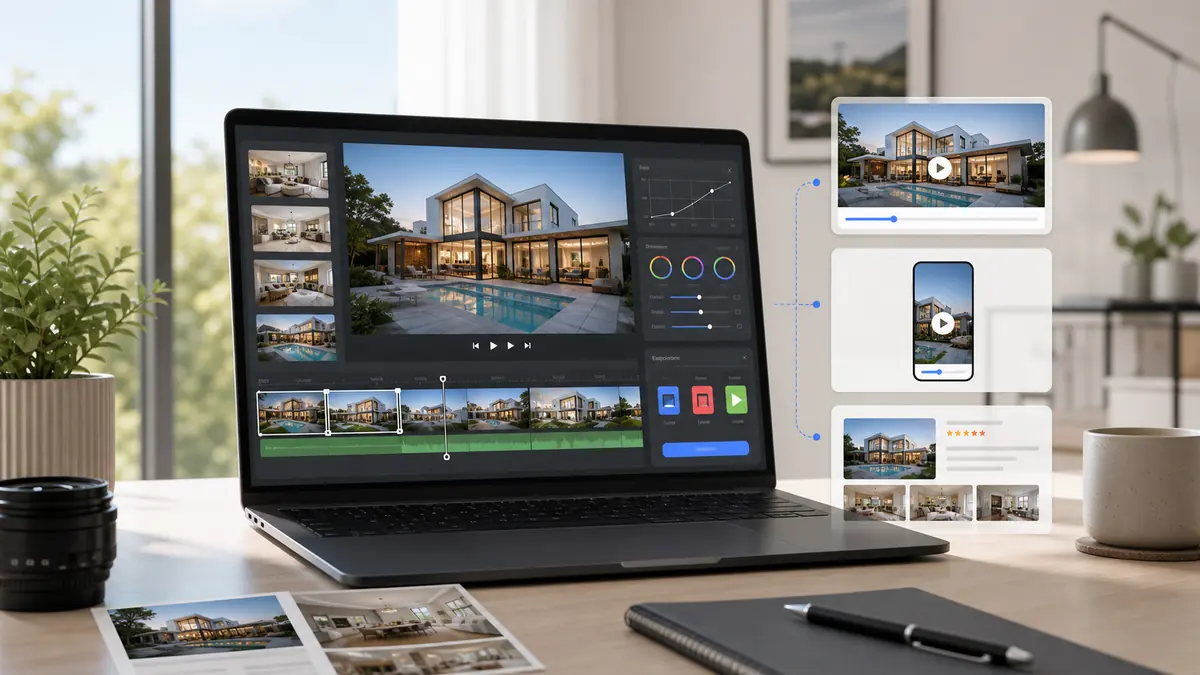
Real estate video editing software helps agents create property videos for listings, social media, ads, and seller updates. The best option depends on the workflow: manual editing tools offer control, social apps are useful for quick posts, and AI real estate video tools like ReelTourStudio are best when agents need repeatable listing videos from existing property photos.
Real estate video editing software can mean a few very different things. Some tools are full timeline editors. Some are social media apps. Some are slideshow makers. Others, like AI photo-to-video tools, are built to turn listing photos into property videos quickly. For agents in 2026, the right choice depends less on editing power and more on whether the workflow can be repeated for every listing.
On this page
What Counts as Real Estate Video Editing Software?
Real estate video editing software is any tool that helps turn property media into a finished video for marketing. That can include filmed walkthrough footage, listing photos, drone clips, agent voiceover, branded intros, captions, music, and exports for different platforms.
The important distinction is whether the tool is built for editing or built for listing output. A powerful editor can do almost anything, but most agents do not need infinite controls. They need listing videos that look polished and ship fast.
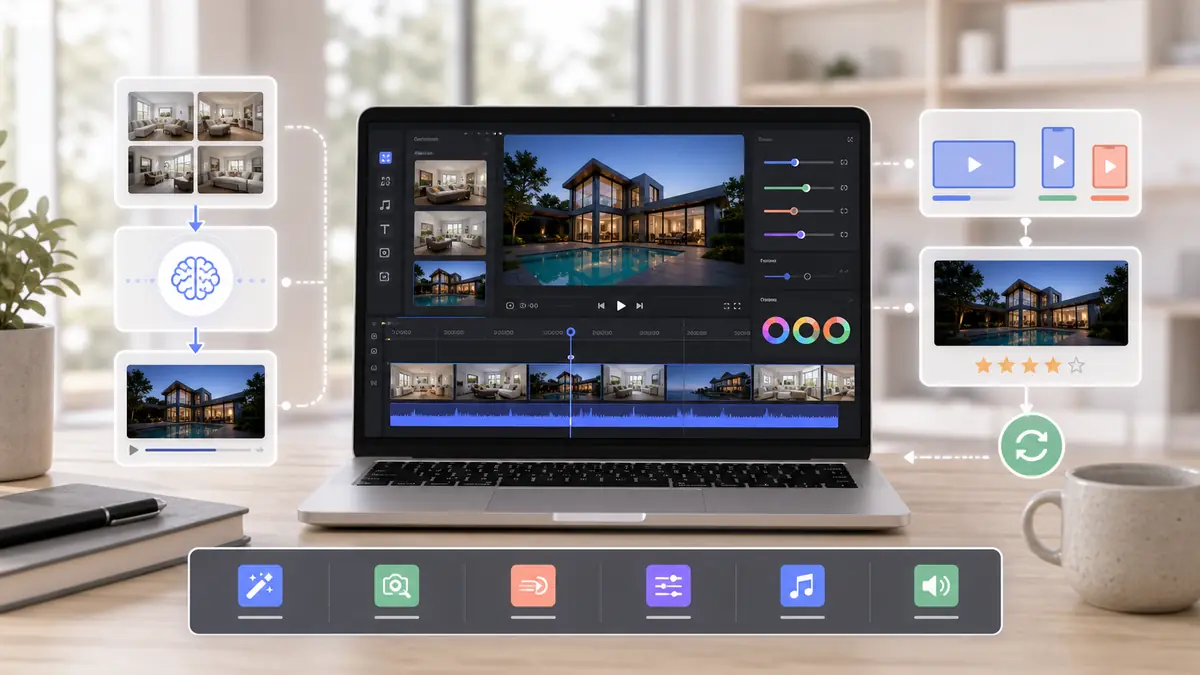
For real estate, the best video tool is usually the one that gets used on every listing.
The Main Types of Real Estate Video Software
Agents usually choose from four categories. Each can work, but each solves a different problem.
| Type | Best For | Limit |
|---|---|---|
| Timeline editors | Custom brand videos, luxury edits, detailed control | Slow for everyday listing volume |
| Social video apps | Quick Reels, captions, short-form posts | Not built around MLS or listing workflows |
| Slideshow makers | Simple photo videos with low setup | Can feel static or generic |
| AI photo-to-video tools | Repeatable property videos from listing photos | Needs good source photos |
The right tool depends on whether you need creative control or repeatable listing output.
When Manual Editing Software Makes Sense
Manual editing software is still useful when the project deserves custom production. A luxury listing film, brand commercial, recruiting video, neighborhood story, or agent profile may need a human editor and a more detailed timeline.
Use manual editors for special campaigns
If the video needs custom footage, voiceover, drone shots, animated text, and a specific creative direction, a traditional editor is the better fit.
Avoid manual editing for routine listing videos
Most listings need speed and consistency more than custom timeline work. If each property requires manual editing, video becomes hard to scale.
When AI Video Software Is the Better Fit
AI real estate video software is strongest when the agent already has listing photos and needs a polished video quickly. This is the common workflow for most listings.
It removes the filming bottleneck
No separate shoot is needed if the listing photos are already strong enough for MLS and Zillow.
It removes the editing bottleneck
The software handles motion, pacing, music, and export formats, so agents are not stuck inside a timeline editor.
It makes video repeatable
The value is consistency. Agents can create a video for every listing, not only the listings that justify a full production budget.
Features Agents Should Prioritize
Real estate video editing software should support the actual listing workflow. Prioritize the features that shorten the distance between new listing photos and a published video.
Photo-to-video generation
The tool should turn listing photos into a video that feels more polished than a slideshow.
Vertical and horizontal exports
Agents need 9:16 for Reels, TikTok, and Shorts, plus 16:9 for MLS, Zillow, YouTube, and websites.
Simple review and regeneration
If the first output is not right, it should be easy to adjust the source photos or create another version.
Predictable pricing
A tool that gets expensive per export can discourage the volume needed for real estate video marketing to work.
How ReelTourStudio Fits the Software Stack
ReelTourStudio is not trying to replace every editing tool. It is built for the high-frequency job agents face every week: turn listing photos into property videos that can be published across listing portals and social channels.
That makes it a strong fit for routine listing video production. Agents can still use manual editing software for premium campaigns, but ReelTourStudio handles the repeatable photo-to-video workflow that most listings need.
Recommended next reads
AI real estate videos
Use ReelTourStudio to turn listing photos into professional real estate videos for MLS, Instagram, TikTok, YouTube, and listing pages.
Real estate video maker
See how AI video makers help agents create listing videos without editing timelines.
Real estate video app guide
Compare app features for agents who need fast, repeatable listing videos.
Turn real estate photos into video
Learn the photo-to-video workflow for creating real estate listing videos.
AI real estate video guide
Read the broader guide to AI-generated real estate videos and marketing workflows.
A Few Common Questions
What is real estate video editing software?
Real estate video editing software helps agents and marketers create property videos from listing photos, filmed footage, music, captions, and branded assets.
What is the best video editing software for real estate agents?
The best option depends on the workflow. Manual editors are best for custom productions, while AI real estate video tools are better for agents who need fast, repeatable listing videos from photos.
Can AI replace real estate video editing?
AI can replace much of the routine editing needed for listing videos, especially when the video is created from property photos. Custom brand films and high-end campaigns may still benefit from manual editing.
Should real estate agents use a video editor or a photo-to-video tool?
Use a video editor for custom creative projects. Use a photo-to-video tool when you need a polished listing video quickly from existing property photos.
What exports should real estate video software support?
It should support vertical 9:16 exports for social media and horizontal 16:9 exports for MLS, Zillow, YouTube, listing pages, and websites.
Turn Listing Photos Into
Polished Property Videos.
Create branded real estate videos in minutes with ReelTourStudio. No filming, no editing, and no waiting on an outside production team.
Create your first videoKeep Reading
Related real estate video guides
Best AI Video Generator for Real Estate Agents in 2026
Compare the best AI video generator for real estate workflows. Learn what agents should look for in photo-to-video listing software.
Read guideindustryReal Estate Video App Guide for Agents in 2026
Compare real estate video app features for agents. Learn what matters for listing videos, photo-to-video AI, social exports, pricing, and workflow speed.
Read guideindustryHow Agents Use AI Real Estate Video in 2026
AI real estate video tools turn listing photos into cinematic property tours in minutes. Learn costs, uses, workflows, and best practices for agents in 2026.
Read guide