
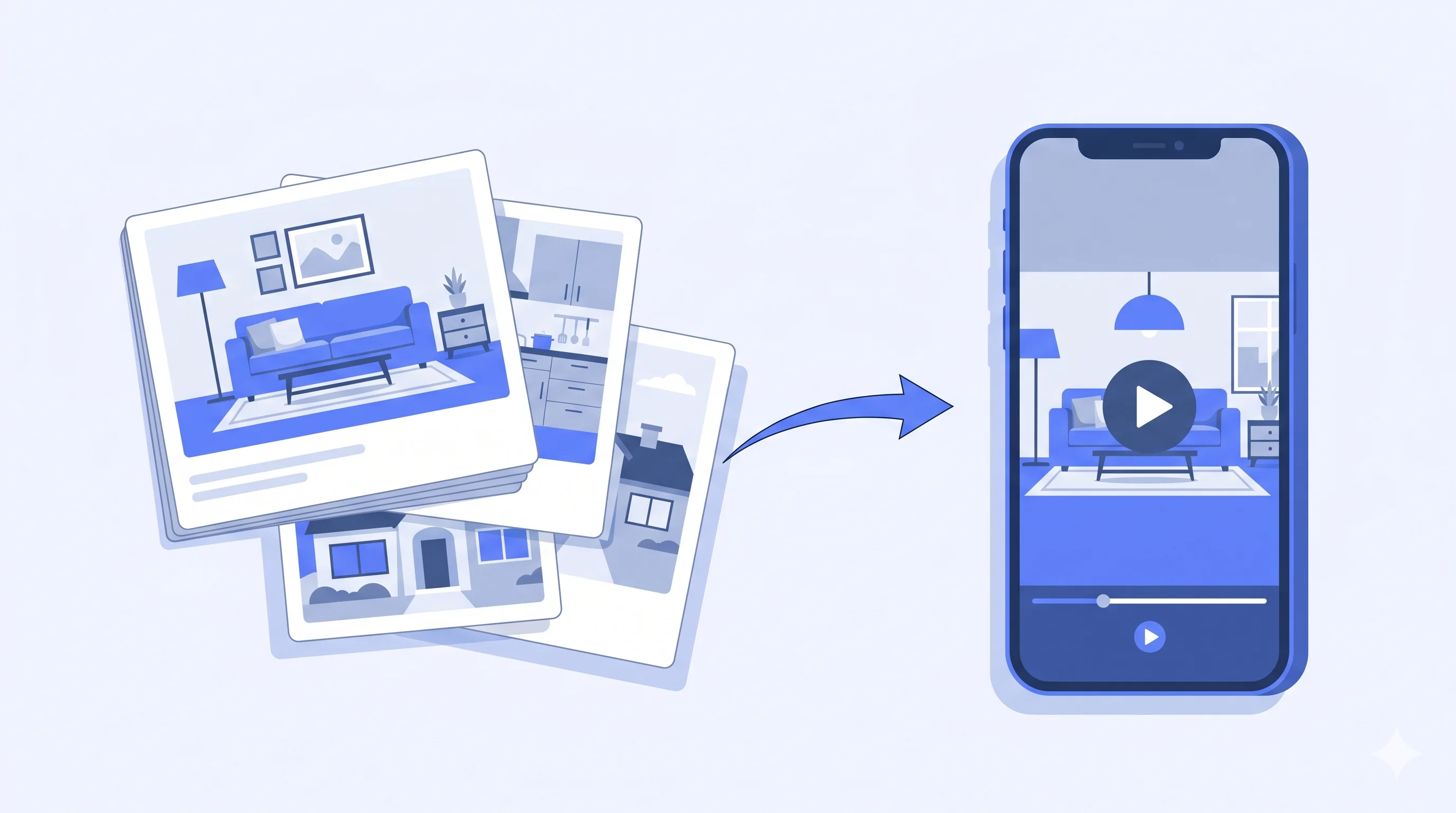
An AI real estate video is a property walkthrough generated from your existing listing photos — no filming, no editing. Tools like ReelTourStudio turn a listing photo set into a share-ready video for MLS, Instagram Reels, TikTok, and listing pages in minutes. Listings with video get 403% more inquiries (NAR) and give agents a faster, lower-lift way to market every property consistently.
If you've listed a home this year, you already know: photos alone no longer win the scroll. Buyers expect video — and they expect it now, in every feed, on every device. AI real estate video changes the economics of that expectation. Instead of booking a videographer, waiting three days, and paying $300 to $800 per listing, you use the photos you already have and get a cinematic walkthrough back in minutes. This guide breaks down what it is, what it costs, where it works best, where it falls short, and how top agents are using it to win more listings in 2026.
On this page
What Is an AI Real Estate Video?
An AI real estate video is a property walkthrough video produced automatically from your existing listing photos. You don't film anything and you don't edit anything. Instead, the platform turns a photo set into a polished video that feels more dynamic and presentation-ready than a static slideshow.
The output is a vertical or horizontal MP4 — ready for MLS, Zillow, Instagram Reels, TikTok, YouTube Shorts, or your website hero section. Most tools produce videos in the 30-to-90-second range, which is the sweet spot for social completion rates.

You already have the photos. AI just turns them into the asset buyers are actually looking for.
What it is not
- Not a Zillow 3D tour — those require a 360° camera and sweeping the property in person.
- Not a virtual staging tool — those change the pixels inside a photo rather than producing a video.
- Not a slideshow — AI video applies intentional motion, pacing, and music, not a fade between stills.
Why Agents Are Switching in 2026
The math is the reason. A videographer costs $300 to $800 per listing, takes two to five days to deliver, and has to physically visit the property. ReelTourStudio plans start at $19.99/month, deliver in under ten minutes, and let agents create videos repeatedly without booking production every time. For teams handling multiple listings each month, that changes video from an occasional luxury into a repeatable part of the workflow.
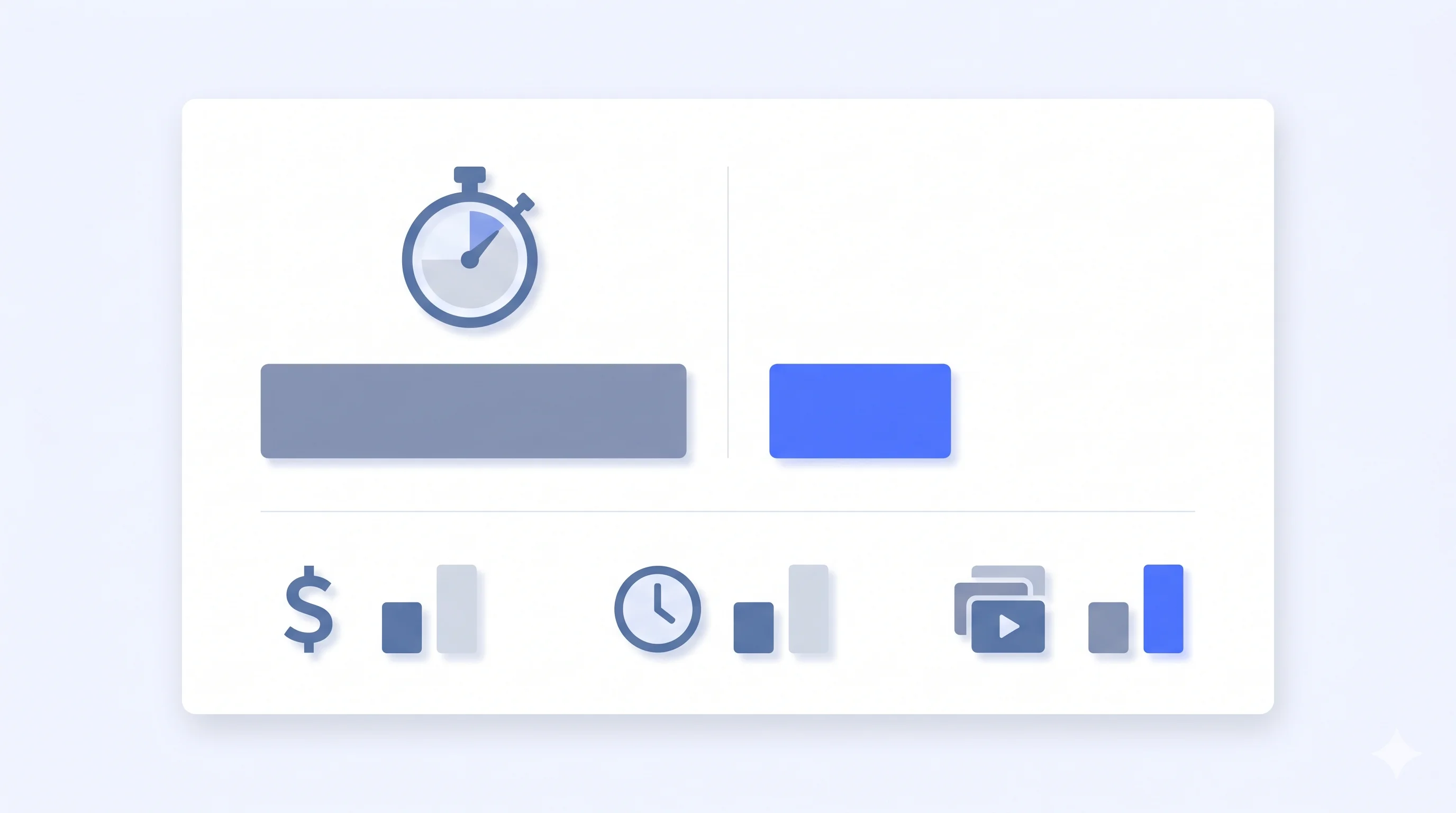
| Metric | Videographer | AI Real Estate Video |
|---|---|---|
| Cost per listing | $300 – $800 | $13+ on subscription |
| Turnaround time | 2 – 5 days | 5 – 10 minutes |
| Requires site visit | Yes | No |
| Videos per month | 1 – 4 typical | 3 – 20 depending on plan |
| Revisions | Paid extra | Free, instant |
| Social-ready formats | Request upfront | All aspect ratios included |
Typical cost and workflow comparison, U.S. mid-market pricing, 2026.
What Using AI Real Estate Video Looks Like
From the agent's side, the process is simple: start with your listing photos, choose the format you need, let the platform generate a polished video, then review and publish. The exact technology differs by tool, but the value is the same: fast turnaround, repeatable quality, and a finished video without a manual edit session.
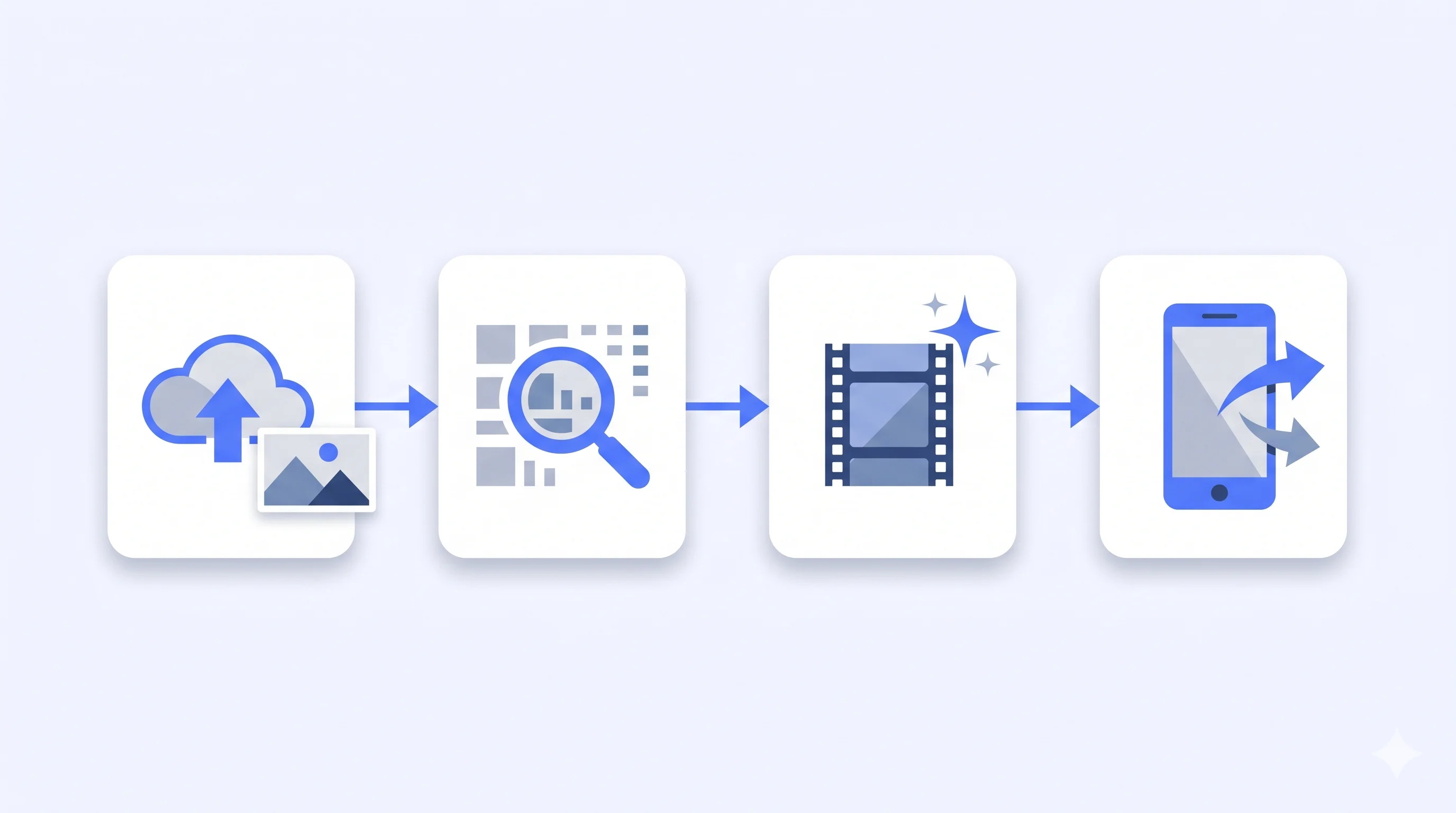
Step 1 — Start with your best listing photos
Most AI real estate video tools work best when you begin with a strong photo set that covers the exterior, main living spaces, kitchen, bedrooms, baths, and standout features. On current ReelTourStudio plans, you can build a video with up to 20 listing photos depending on the plan you're on.
Step 2 — Pick the right output for the channel
Before you generate, decide where the video will live. Vertical works best for Reels, TikTok, and Shorts, while horizontal is a better fit for MLS pages, YouTube, and website embeds. One listing usually needs more than one cut.
Step 3 — Generate and review the draft
The platform turns the photo sequence into a finished walkthrough with motion, pacing, transitions, and music. Your job is to review it quickly, make sure the strongest rooms are emphasized, and create a fresh version if one image is weakening the overall piece.
Step 4 — Export and publish everywhere
Once the video looks right, export the versions you need and publish them across your marketing stack. One photo set can become your Reel, your MLS video, your YouTube upload, and your website hero asset without creating separate projects from scratch.
Where AI Real Estate Videos Perform Best
AI real estate videos work best anywhere speed, consistency, and visual storytelling matter. The key is not forcing one cut everywhere — it's using the right version of the listing video on the right surface.
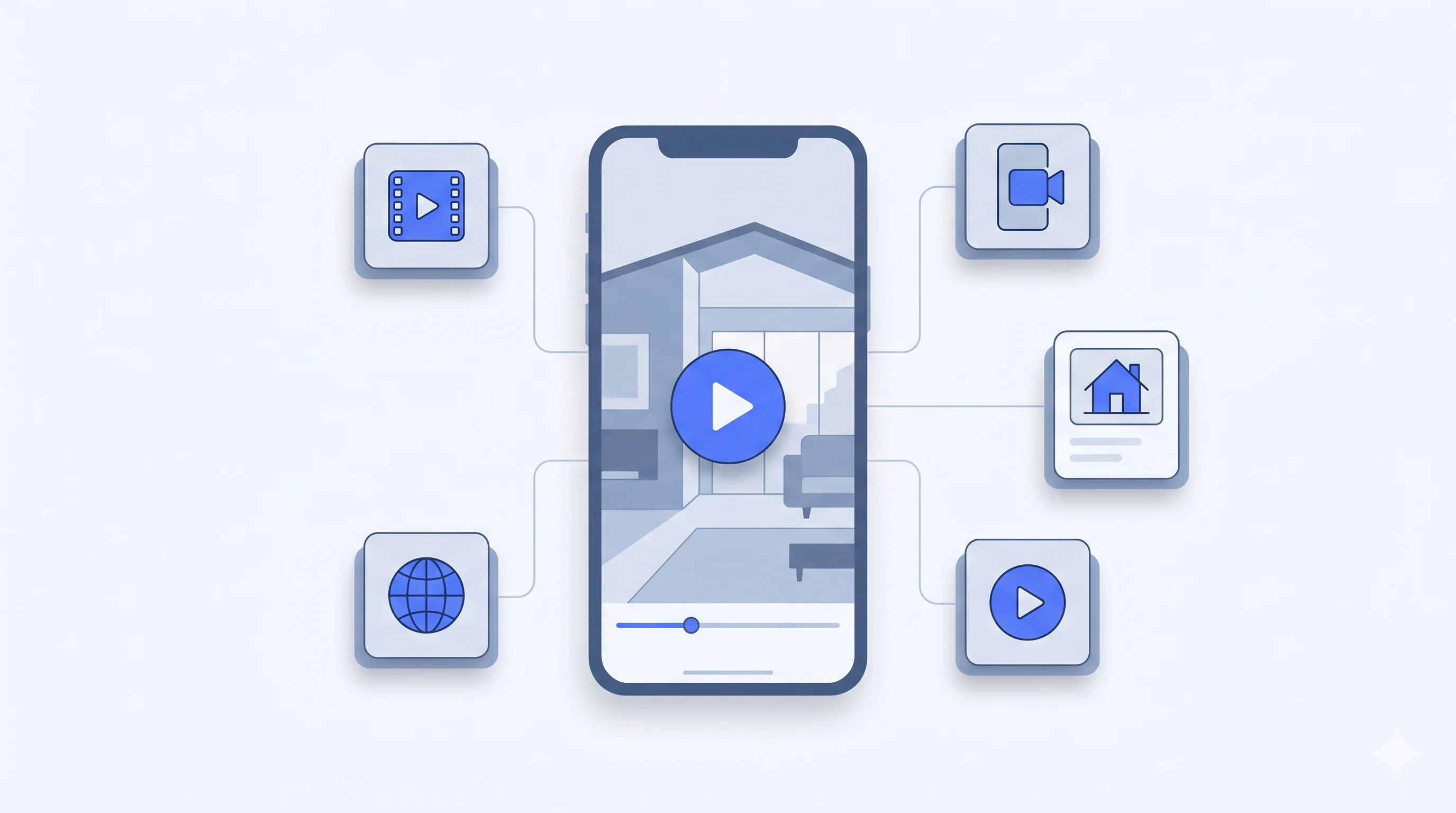
The content doesn't fail. Usually the format does. Match the aspect ratio to the surface.
Instagram Reels and TikTok
Use a 9:16 vertical cut, keep it short, and make the opening seconds visually strong. This is usually the highest-reach placement for listing videos because you can publish every property consistently without adding more production work to your week.
Zillow, Redfin, and MLS
Use a 16:9 horizontal version with cleaner pacing and minimal overlay text. These surfaces are less about entertainment and more about giving buyers a better feel for the property while they browse the listing itself.
YouTube Shorts and Facebook
The same vertical version you post to Reels can usually be reused on Shorts and in social distribution. This is a low-effort way to extend the life of a listing video beyond a single post.
Your listing landing page
A clean 16:9 listing video on the property page or agent site gives the presentation a more premium feel and helps buyers engage with the property before they book a showing.
Limitations You Should Know About
AI real estate video is the best choice for most listings, but it's not magic. Three limits are worth naming up front.
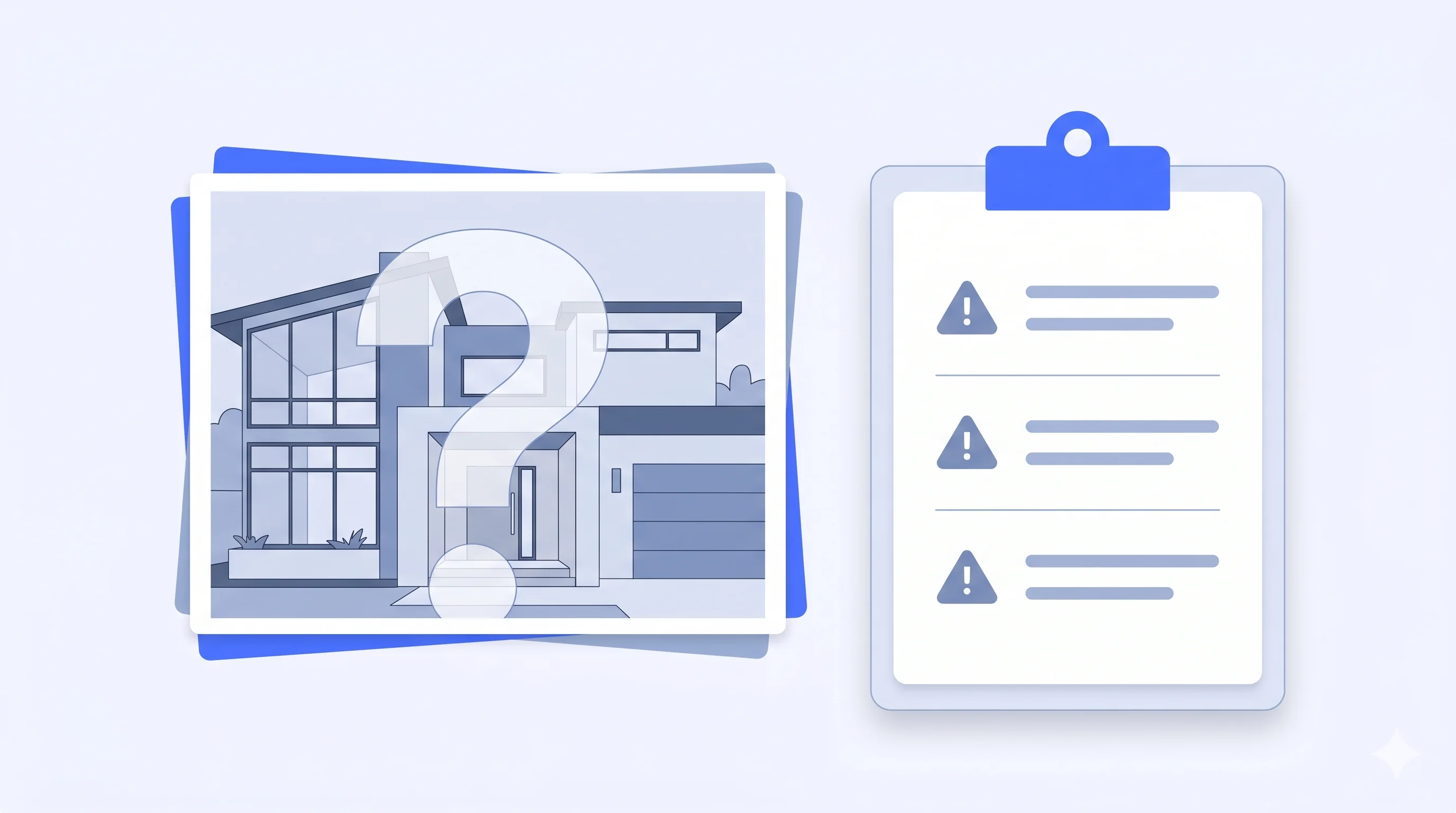
Photo quality is the ceiling
Garbage in, garbage out. If the listing photos are dim iPhone shots, the AI output will feel the same. Professional MLS photography produces the best AI videos — the motion amplifies whatever's there.
It can’t invent what wasn’t photographed
No photo of the backyard? No backyard footage. Run a coverage check before you upload: at least one photo per hero room, plus an exterior.
Motion artifacts on edge cases
Mirrors, reflective appliances, and glass-heavy interiors can occasionally look less natural than the rest of the video. If that happens, swap the image order or remove the problem photo and create a new version.
A Simple Weekly Workflow That Scales
The agents getting the most out of AI video aren't producing one masterpiece — they're producing one video per listing, every time, without thinking about it. Here's the playbook.
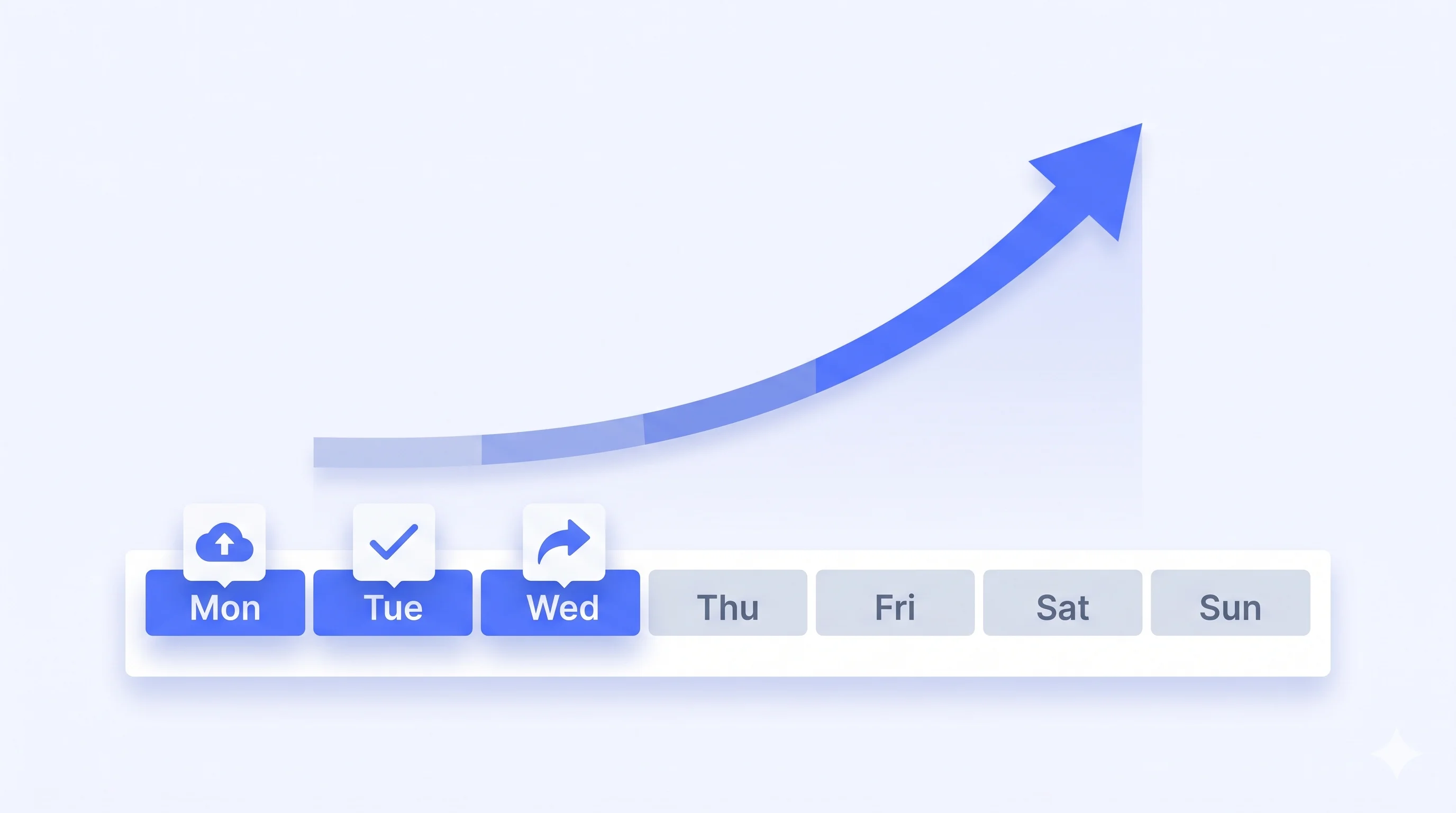
Monday: batch-upload new listings
Paste each new Zillow or MLS link into ReelTourStudio and create the videos in one sitting. This keeps production consistent and usually takes only a few minutes per listing.
Tuesday: quick review pass
Review each video quickly. Most will be ready to publish, and the few that need improvement can usually be fixed by changing the photo order or trying a different style.
Wednesday: publish across surfaces
Post 9:16 to Reels, TikTok, and YouTube Shorts. Upload 16:9 to Zillow, YouTube long-form, and your website. Schedule the whole batch in Buffer or Later and stop thinking about it.
Ongoing: repurpose top performers
Any video that breaks your average view count? Cut three more variants from the same listing and run them as ads or follow-up posts. One good listing can yield a month of content.
How to Pick an AI Real Estate Video Tool
Five questions matter when picking a tool. Everything else is noise.

Per-video pricing punishes the exact behavior that produces results — volume.
1. Can it pull from a Zillow or MLS link?
If you have to manually download and re-upload everything for every listing, the workflow will eventually break. Fast import options matter because consistency is what makes video useful at scale.
2. Does it support every aspect ratio you need?
9:16, 1:1, and 16:9 should all be available from the same video setup. Paying separately just to get the formats you need is a red flag.
3. Is pricing flat or per-video?
Look at the effective cost per video, not just the headline subscription price. On entry-level plans, that number might be around $13 per video and it typically drops as plan volume increases. That is still dramatically cheaper than hiring video production listing by listing.
4. How long does a video actually take?
Look for a turnaround under 10 minutes end-to-end. If the process drags, agents stop using it consistently.
5. Does the motion look cinematic or slideshow-y?
Watch three sample outputs before you commit. If the camera moves feel pasted-on instead of motivated, you'll regret publishing those videos to your brand.
Recommended next reads
AI real estate video generator from photos
See the photo-to-video workflow, formats, and plan limits before creating your next listing video.
Compare ReelTourStudio plans
Choose a subscription based on your monthly listings, photo limits, and video length.
AI real estate videos
Use ReelTourStudio to turn listing photos into professional real estate videos for MLS, Instagram, TikTok, YouTube, and listing pages.
Real estate video maker
See the product-led workflow for creating listing videos from photos.
Turn real estate photos into video
Learn the photo-to-video process for MLS, Zillow, Reels, TikTok, and listing pages.
Real estate video app guide
Compare app features agents need for repeatable property video creation.
Real estate video editing software
Understand when AI video tools are a better fit than manual editing software.
A Few Common Questions
How long does it take to generate an AI real estate video?
Most tools produce a finished 60-to-90 second video in 5 to 10 minutes. ReelTourStudio typically delivers in under 8 minutes for a standard 15-photo listing.
Do I need professional photos to get a good result?
You need reasonably sharp, well-lit photos — MLS-grade is ideal. The AI amplifies whatever it's given, so dim iPhone shots produce dim video. If your listing photos are already good enough for the MLS, they're good enough for AI video.
Is it legal to use AI-generated real estate videos on Zillow or the MLS?
Yes. AI videos produced from the listing's own photos are treated the same as any other listing video. The important compliance rule is that you have the right to use the source photos — which you do, assuming you or your brokerage owns or licensed them.
Can buyers tell a property video was made with AI?
Usually no, because the video is built from real photos of the real property. What buyers notice is motion, pacing, and music — all of which are indistinguishable from a videographer's edit. Tell them or don't; the property is still the property.
How much does AI real estate video cost compared to a videographer?
A videographer usually charges $300–$800 per listing and takes days to deliver. ReelTourStudio starts at $19.99/month for one included video, with higher-volume plans lowering the effective cost per included video. For agents creating videos regularly, the cost difference is significant.
What aspect ratio should I use for Instagram Reels vs Zillow?
9:16 (vertical) for Reels, TikTok, and YouTube Shorts. 16:9 (horizontal) for Zillow, MLS, YouTube long-form, and your website. Good tools should let you get all the formats you need from the same project without starting over.
Can AI generate real estate video content automatically?
Yes. AI real estate video tools can automatically turn listing photos into a finished property video with camera motion, pacing, music, and export-ready formatting. The agent still reviews the result, chooses the best photo order, and makes sure the video accurately represents the property.
How can AI improve real estate video marketing efficiency?
AI makes real estate video marketing faster by removing the filming and editing bottleneck. Agents can create a video for every listing, publish vertical cuts to social channels, use horizontal versions on listing pages, and keep the whole workflow repeatable without hiring production help for each property.
What are the best practices for AI real estate videos?
Start with clear MLS-quality photos, include the exterior and every major room, put the strongest image in the opening seconds, create both vertical and horizontal exports, and review the final video for accuracy before publishing. AI works best when the source photos already tell a complete property story.
Turn Listing Photos Into
Polished Property Videos.
Create branded real estate videos in minutes with ReelTourStudio. No filming, no editing, and no waiting on an outside production team.
Create your first videoKeep Reading
Related real estate video guides
How AI Video Helps Real Estate Listings Get More Attention in 2026
Learn how AI listing videos help agents attract buyers, launch property marketing faster, and turn existing listing photos into useful campaign assets.
Read guideindustryHow AI Is Changing Property Video Marketing
Explore how AI is changing property video workflows, listing marketing automation, and the way agents turn existing media into publishable content.
Read guideindustryBest AI Video Generator for Real Estate Agents in 2026
Compare the best AI video generator for real estate workflows. Learn what agents should look for in photo-to-video listing software.
Read guide