
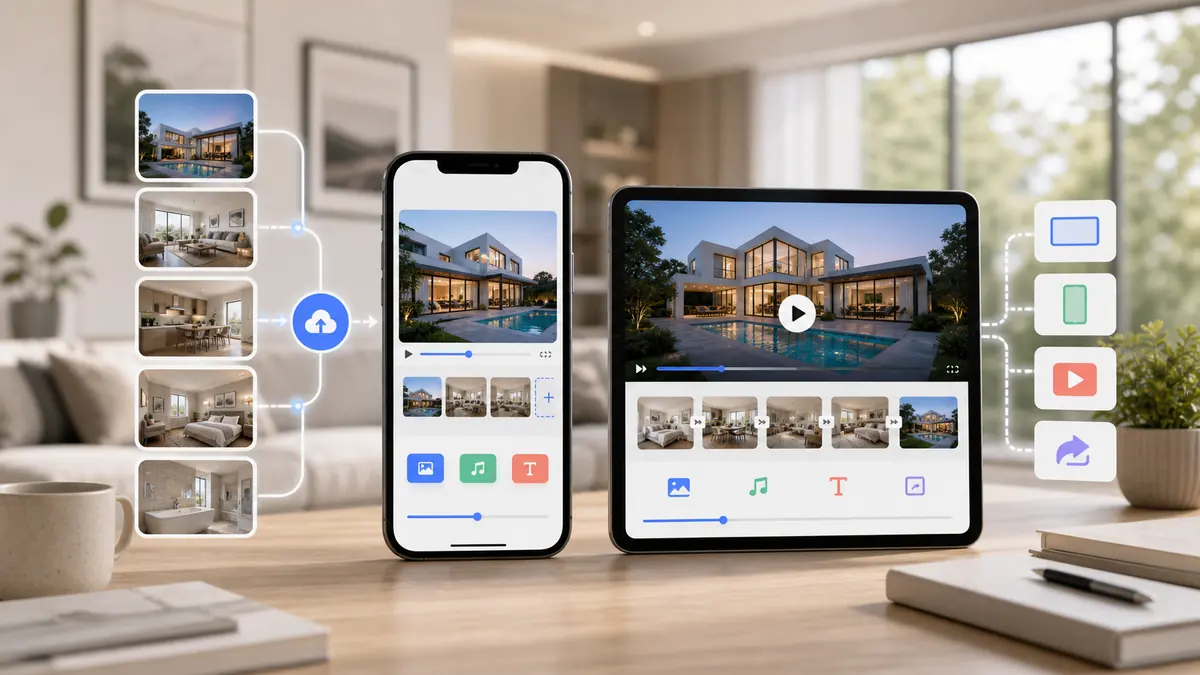
A good real estate video app helps agents create listing videos quickly from existing property media. The most important features are photo-to-video AI, vertical and horizontal exports, fast turnaround, simple review tools, professional motion, predictable pricing, and an output that works across MLS, Zillow, Instagram Reels, TikTok, YouTube, and listing pages.
A real estate video app should help agents publish better listing videos with less production work. The right app is not necessarily the one with the most editing features. For busy agents, the best app is usually the one that turns listing media into a finished video quickly, supports the right formats, and makes video repeatable across every property.
On this page
What a Real Estate Video App Should Do
A real estate video app should turn property media into marketing assets. That means listing videos for MLS and Zillow, vertical clips for Reels and TikTok, polished assets for seller updates, and video content that can support paid ads or listing landing pages.
The app should also fit the agent workflow. If creating a video requires downloading files, learning a timeline editor, picking transitions, resizing manually, and exporting separate files one by one, most agents will not use it consistently.
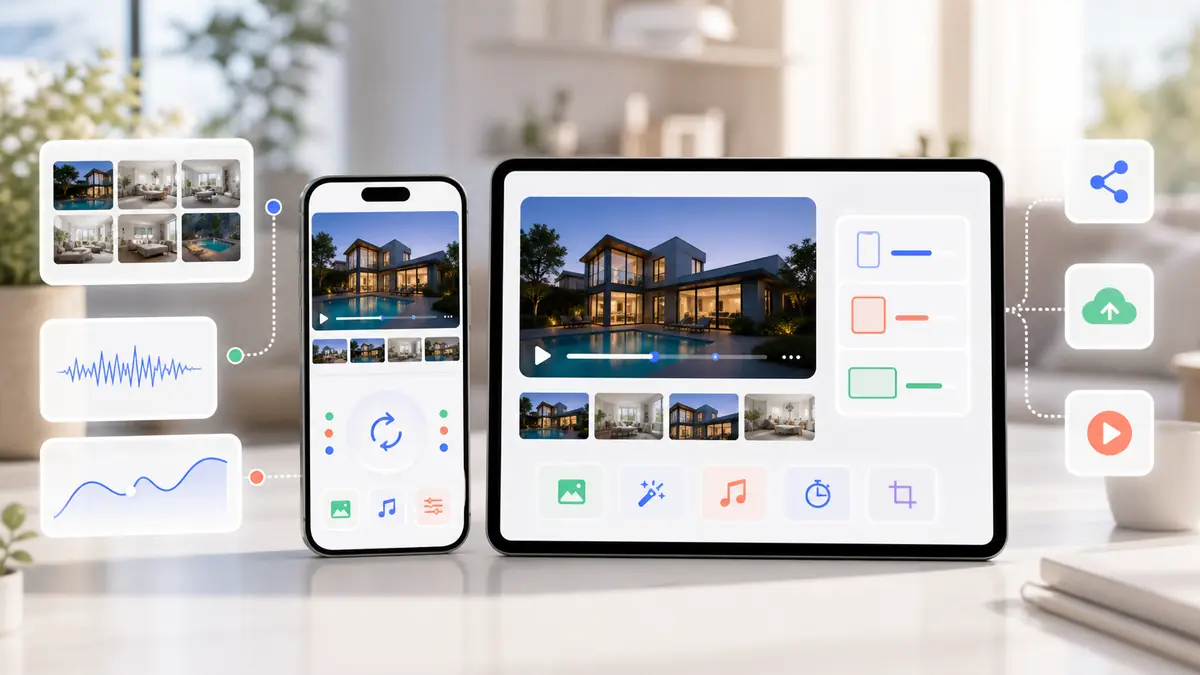
The Features That Actually Matter
Many video apps look impressive but are built for general creators. Real estate has a narrower job to do: show the property clearly, ship fast, and support every listing launch.
| Feature | Why It Matters for Agents |
|---|---|
| Photo-to-video AI | Uses the listing photos agents already have |
| Vertical and horizontal exports | Supports both social feeds and listing portals |
| Fast generation | Keeps video aligned with listing launch timing |
| Professional motion | Makes photos feel like a property tour, not a static slideshow |
| Simple review workflow | Lets agents approve or regenerate without manual editing |
| Predictable pricing | Makes video viable across every listing, not just premium ones |
The best real estate video app is the one agents will actually use on every listing.
Real Estate Video App vs Video Editing App
A video editing app gives you control. A real estate video app gives you speed. Agents need to decide which matters more for their listing workflow.
Use a video editing app when you need custom production
Manual editors are useful for brand films, luxury property campaigns, agent introductions, or content that needs detailed creative control.
Use a real estate video app when you need repeatability
Listing videos need to be produced over and over. If you want every property to have video, an AI real estate video app is usually more practical than editing each asset manually.
Use both when the listing demands it
For major listings, a filmed walkthrough and AI social cuts can work together. For everyday listings, photo-to-video is often enough to lift presentation quality without adding production cost.
How to Compare Real Estate Video Apps
Before choosing an app, run the same listing through each option and compare the result. The differences show up quickly.
Check output quality
Does the video feel cinematic and clear, or does it look like a templated slideshow?
Check time to publish
Count the full workflow, not just render time. Uploading, arranging, generating, reviewing, exporting, and posting all matter.
Check channel coverage
Make sure the app supports the formats you need for MLS, Zillow, Instagram Reels, TikTok, YouTube, and websites.
Check whether pricing scales
If each extra video is expensive, the app may discourage the volume that makes video marketing work.
Best Real Estate Video App Use Cases
The strongest use cases are practical and tied directly to listing marketing.
Just-listed videos
Create a polished video as soon as photos are ready so the listing launch has more than static images.
Open house promotion
Turn the same listing video into a short vertical version that can promote the open house on social channels.
Price reduction campaigns
Refresh attention with a new video cut when a listing needs renewed traffic.
Seller reporting
Include the video in seller updates to show that the property is being marketed across modern channels.
Where ReelTourStudio Fits
ReelTourStudio is best understood as an AI real estate video app for turning listing photos into property videos. It is intentionally focused on real estate instead of general creator editing.
That focus keeps the workflow simple: start with property media, generate a listing video, review the output, and publish it across the channels that matter for agents and teams.
Recommended next reads
AI real estate videos
Use ReelTourStudio to turn listing photos into professional real estate videos for MLS, Instagram, TikTok, YouTube, and listing pages.
AI real estate video generator
Create listing videos from property photos with a workflow built for agents and teams.
Real estate video maker
Learn the core listing-video workflow for turning property media into publishable videos.
Real estate video editing software
Compare manual editors, social apps, slideshow tools, and AI video software.
Turn real estate photos into video
Use listing photos to create property videos for MLS, Zillow, and social channels.
Realtor Reels
Turn listing videos into short vertical content for Instagram, TikTok, and YouTube Shorts.
A Few Common Questions
What is a real estate video app?
A real estate video app is software that helps agents create property videos for listings, social media, listing portals, websites, ads, and seller updates.
What is the best real estate video app for agents?
The best app depends on the workflow, but agents should prioritize photo-to-video AI, fast generation, professional motion, vertical and horizontal exports, and predictable pricing.
Can a real estate video app create videos from photos?
Yes. AI real estate video apps can turn listing photos into finished property videos without filming or manual editing.
Do agents need a video editing app or a real estate video app?
Agents who need custom edits may want a video editing app. Agents who need repeatable listing videos for every property usually benefit more from a real estate video app built around speed and photo-to-video generation.
Which platforms should a real estate video app export for?
A useful real estate video app should support vertical exports for Instagram Reels, TikTok, and YouTube Shorts, plus horizontal exports for MLS, Zillow, YouTube, websites, and listing presentations.
Turn Listing Photos Into
Polished Property Videos.
Create branded real estate videos in minutes with ReelTourStudio. No filming, no editing, and no waiting on an outside production team.
Create your first videoKeep Reading
Related real estate video guides
Best AI Video Generator for Real Estate Agents in 2026
Compare the best AI video generator for real estate workflows. Learn what agents should look for in photo-to-video listing software.
Read guideindustryReal Estate Video Editing Software Guide for 2026
Compare real estate video editing software options for agents, including AI photo-to-video tools, manual editors, social apps, and listing video workflows.
Read guideindustryHow Agents Use AI Real Estate Video in 2026
AI real estate video tools turn listing photos into cinematic property tours in minutes. Learn costs, uses, workflows, and best practices for agents in 2026.
Read guide